New RSS item → Create Post
Publish blog or feed updates to your social accounts as soon as new content appears.


Create and schedule social posts from Zaps with a verified Postproxy app. One integration covers every network through the same actions.
Connect Postproxy to thousands of apps on Zapier. Triggers start your flow; Postproxy handles networks, retries, and outcomes.
Gmail, Airtable, RSS, forms, CRMs, or any of thousands of apps starts your Zap when something new happens.
Pick Create Post, Schedule Post, Create Draft, Publish Draft, or other Postproxy actions. Each step uses Zapier's guided fields mapped to Postproxy.
Postproxy centralizes platform rules, validation, rate limits, retries, and scheduling so your Zap stays short and easy to follow.
Post IDs, status, and stats feed into Slack, Sheets, or follow-up Zaps so your automation stays observable.
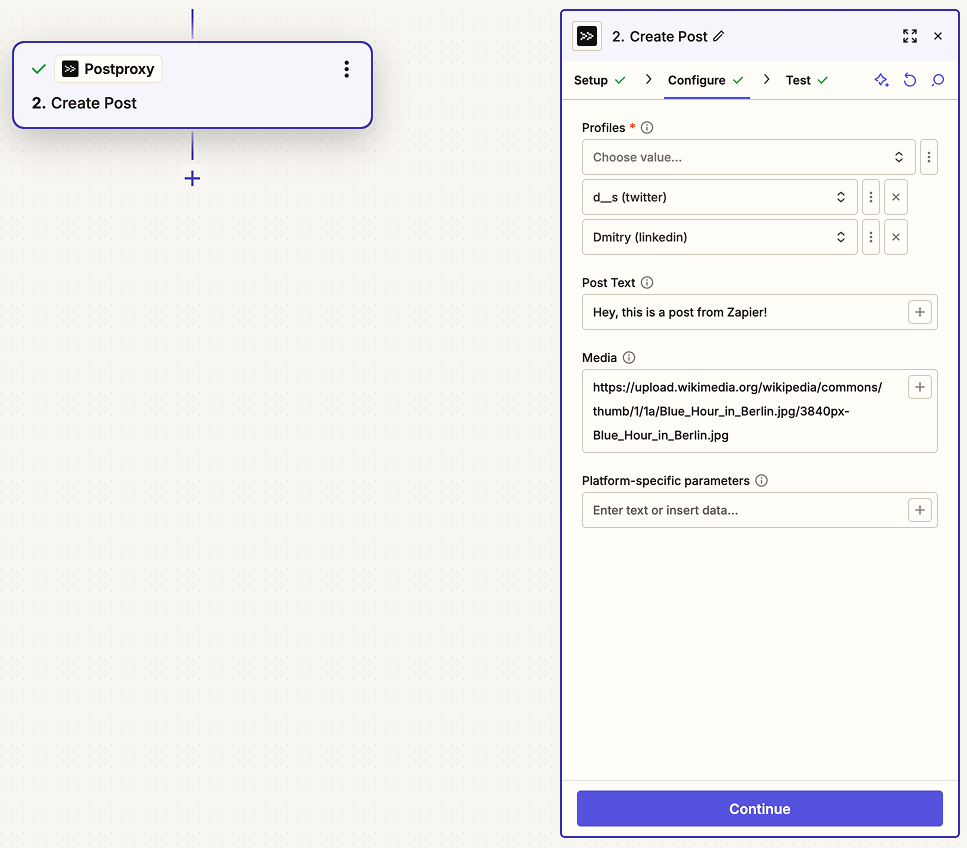
Postproxy is a verified Zapier integration. Build Zaps with official triggers and actions, connect your Postproxy account, and publish alongside the rest of your stack.
Publish blog or feed updates to your social accounts as soon as new content appears.
Treat Airtable as your content calendar and schedule posts for the right time automatically.
Capture submissions as drafts, notify reviewers in Slack, then publish when ready.
Send model output to Postproxy and write post IDs or status back to your CRM or database.
Start with our free plan and scale as your needs grow. No credit card required.